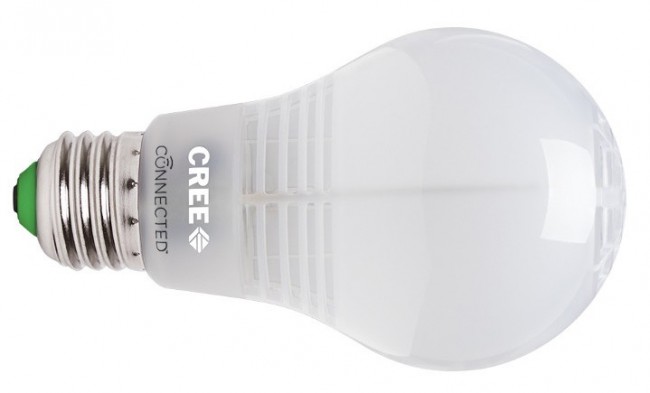
Cree Connected Light Bulb
How to add to VENUS app
- Newly add device to Zigbee network
- Press “Add button” (button ‘+’) in app
- Plugin device to power-supply socket
- Wait for VENUS scan & detect this device and inform in app
- Reset and reconnect
- Press “Add button” (button ‘+’) in app
- Turn the bulb off for 2 seconds, then on for 2 seconds.
- Repeat three more times.
- After the fourth cycle, the bulb will flash, indicating that the reset was successful.
- Wait for VENUS scan & detect this device and inform in app
Configuration description
There is no configuration for this device.