GE Link LED LightBulb
Brief information
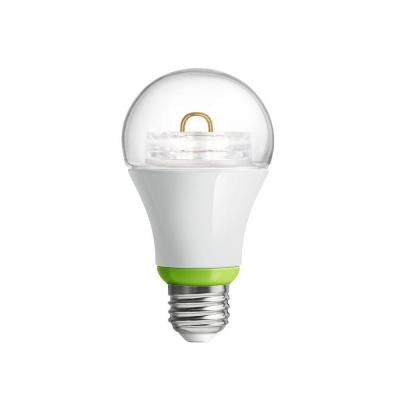
Smart light bulbs: undeniably a bright idea! The GE Link light bulb is a dimmable LED bulb that you can control and monitor from the SmartThings app. When receiving power, this bulb will also act as a signal repeater to extend the range of your ZigBee mesh network.
How to add to VENUS app
- Newly add device to Zigbee network
- Press “Add button” (button ‘+’) in app
- Plugin device to power-supply socket
- Wait for VENUS scan & detect this device and inform in app
- Reset and reconnect
- Press “Add button” (button ‘+’) in app
- Plugin device to power-supply socket
- Turn OFF the light for 3 seconds
- Turn ON the light for 3 seconds
- Repeat OFF –> ON for 5 times
- The bulb is slowly pulse when reset successful
- Wait for VENUS scan & detect this device and inform in app
Configuration description
There is no configuration for this device.