Yale Security Door Lock
Brief informaiton
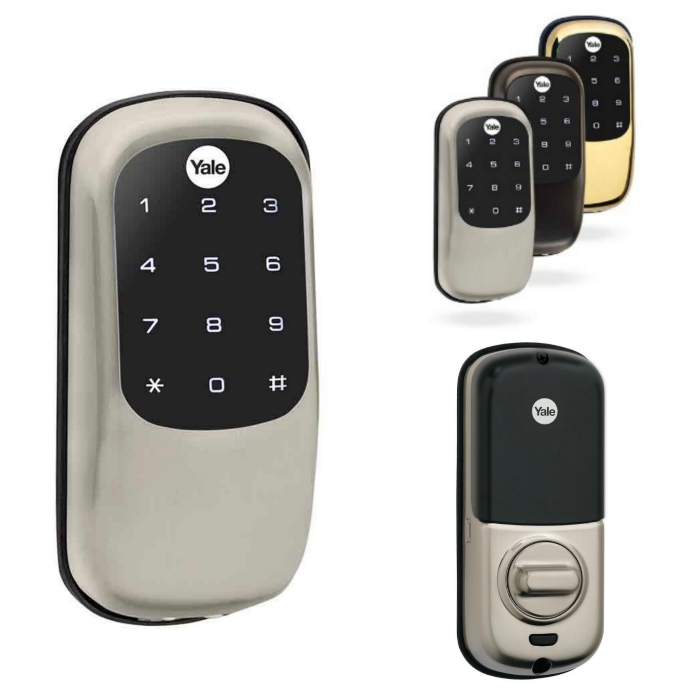
The Yale Stand-alone Digital Deadbolt Lock combines a robust lockset with a contemporary electronic aesthetic.
Users benefit from a push button keypad that makes day-to-day access effortless. Up to ten codes can be distributed amongst users to allow a keyless solution for accessing secure doors. Yale Digital Deadbolt is engineered for quick and easy installation and fits in place of a standard deadbolt prep.
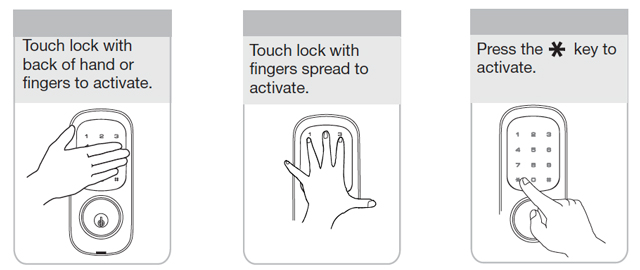
Activate the lock
How to add to VENUS app
- Adding/Removing
Press “Add button” (button ‘+’) in app
- Follow flow of setting device to zigbee network:
- Activate lock screen (refer to Activate the lock image)
- Input key 1234 –> # –> 1 –> #
Wait for VENUS scan & detect this device and inform in app
More setup steps in below image
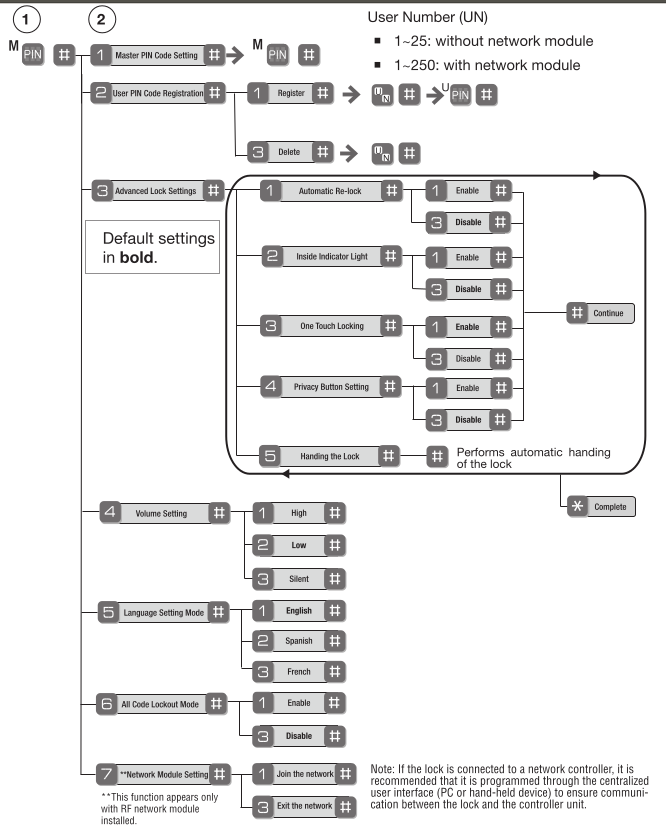
Configuration description
There is no configuration in this device.
Factory reset
- Remove battery and then remove the interior escutcheon to access the reset button
- Reset button is located as below image
- Hold down the reset button for minimum 3 seconds
- Re-install battery and then release