Smartenit ZigBee HA Metering Controller, Dual Load
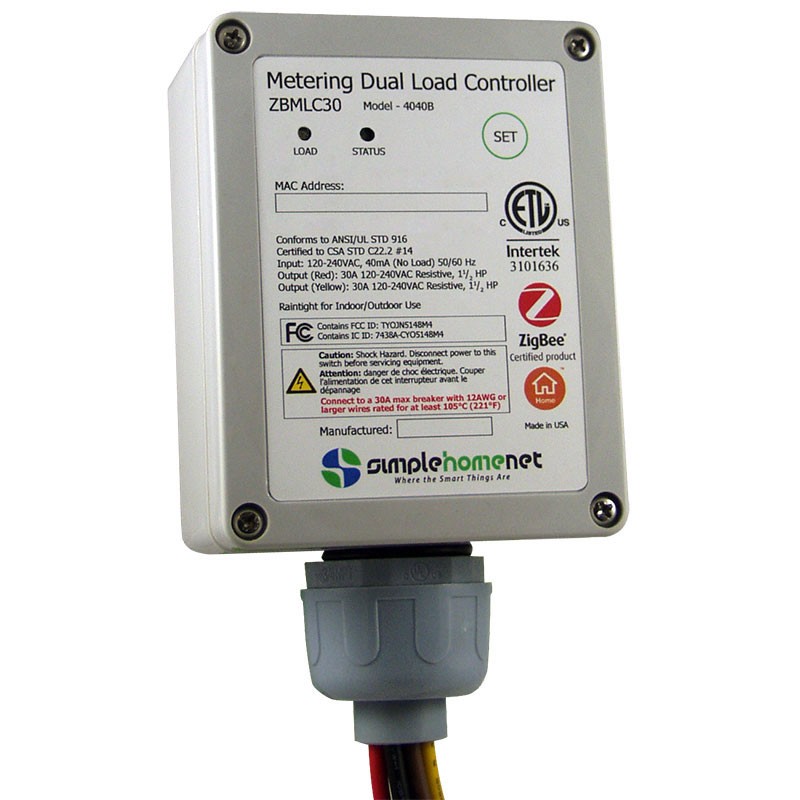
How to add to VENUS app
- Newly add device to Zigbee network
- Press “Add button” (button ‘+’) in app
- Plugin device to power-supply socket
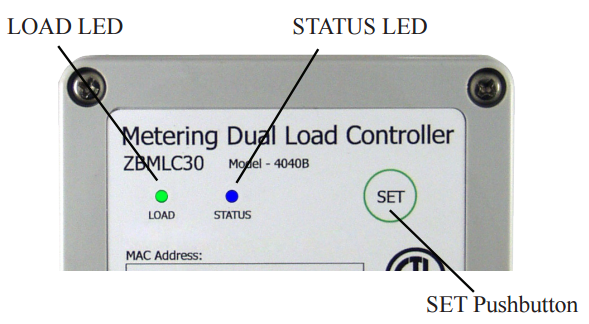
- The device Status LED will flash rapidly
- Wait for VENUS scan & detect this device and inform in app
- As completing, the Status LED’s blinking rate will slow to once per second for 4 minutes
- Reset and reconnect
- Press “Add button” (button ‘+’) in app
- Plugin device to power-supply socket
- Press and hold the SET button for at least 20 seconds, then release
- The Status LED will go out for 1 second and then flash rapidly
- Wait for VENUS scan & detect this device and inform in app
- As completing, the Status LED’s blinking rate will slow to once per second for 4 minutes
Configuration description
There is no configuration for this device.