SmartSense Motion Sensor
Basic information
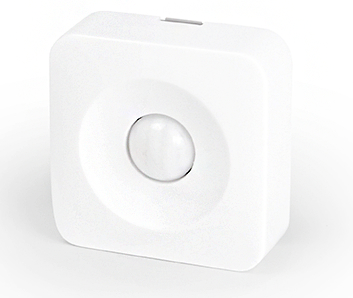
The SmartSenseTM Motion sensor lets you know when movement is detected in a certain area and can trigger different actions in response to that movement (or lack of movement).
How to add to VENUS app
- Newly add device to Zigbee network
- Press “Add button” (button ‘+’) in app
- Remove the plastic pull-tab from the back of device
- Wait for VENUS scan & detect this device and inform in app
- Reset and reconnect
- Press “Add button” (button ‘+’) in app
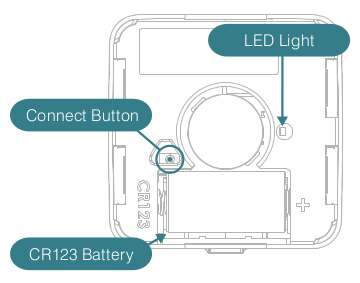
- Press and hold Connect button while inserting battery.
- Release the button when the LED is ON. The LED will blink blue while attemping to connect.
- Wait for VENUS scan & detect this device and inform in app
Configuration description
There is no configuration for this device.