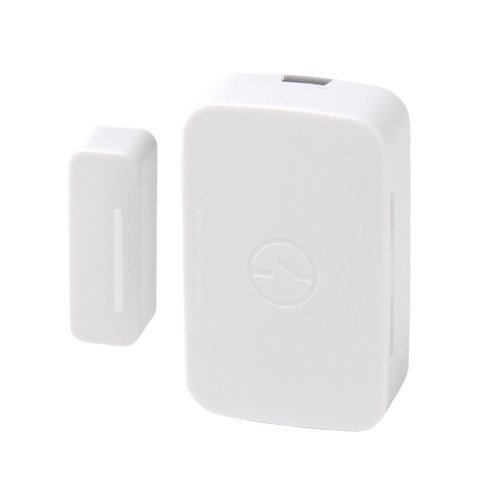
SmartSense Open/Closed Sensor
Basic information
By placing the sensor on a door or window, you can receive immediate alerts if things open or close unexpectedly. You can also place the sensor on a drawer, cabinet, safe, or jewelry box to monitor and secure the inside of your home and protect children and others from accessing dangerous or off-limit areas.
The Open/Closed sensor can also detect temperature and trigger smart thermostats or portable heating and cooling units to automatically adjust if temperatures fluctuate. The sensor comes with both adhesive tape as well as a mounting plate and screws for easy installation
How to add to VENUS app
- Newly add device to Zigbee network
- Press “Add button” (button ‘+’) in app
- Remove the plastic pull-tab from the back of device
- Wait for VENUS scan & detect this device and inform in app
- Reset and reconnect
- Press “Add button” (button ‘+’) in app
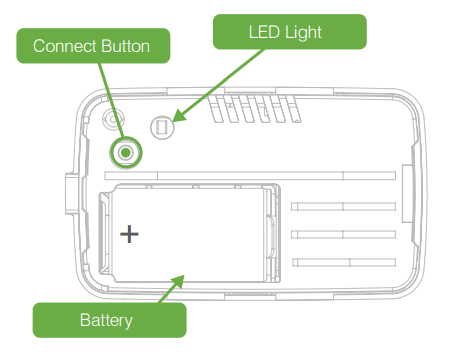
- Press and hold Connect button while inserting battery.
- Release the button when the LED is ON. The LED will blink blue while attemping to connect.
- Wait for VENUS scan & detect this device and inform in app
Configuration description
There is no configuration for this device.