Centralite Zigbee HA Appliance module
Brief information
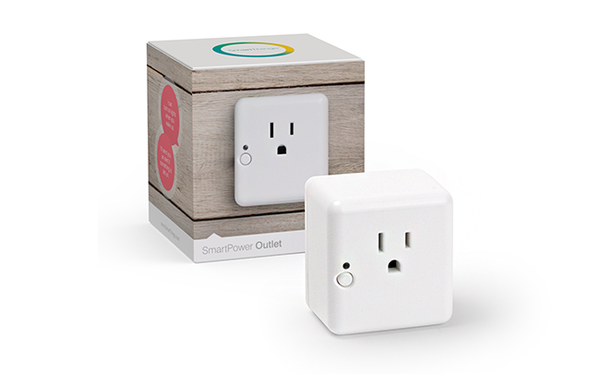
The SmartPower Outlet lets you remotely control lights, electronics, and small appliances. Set your coffee maker to on in the morning or automate your lights to turn on when the sun sets. You can also restrict the power used by fans, lights, and other plug-in appliances.
How to add to VENUS app
- Newly add device to Zigbee network
- Press “Add button” (button ‘+’) in app
- Plug device into a receptacle and it will immediately begin searching for a network to join.
- Wait for VENUS scan & detect this device and inform in app
- Reset and reconnect
- Press “Add button” (button ‘+’) in app
- Unplug device from power outlet
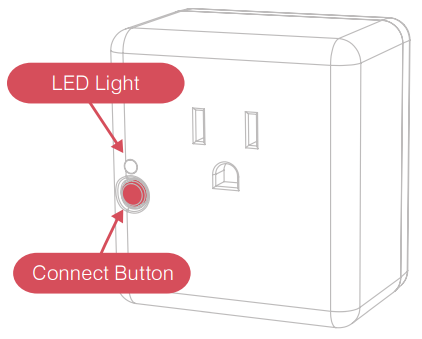
- Press and hold ON/OFF button and plugin device in again
- Once the LED is ON, release the button.
- Wait for VENUS scan & detect this device and inform in app
Configuration description
There is no configuration for this device.