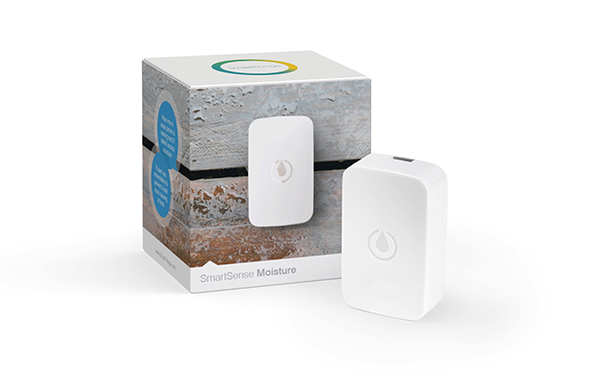
SmartSense Moisture Sensor
Basic information
Runny faucets, clogged drains, older pipes, and basements can all attract moisture and cause costly repair bills.
Get an instant alert when water is detected where it’s not supposed to be, so you can take necessary actions before minor leaks become disasters.
How to add to VENUS app
- Newly add device to Zigbee network
- Press “Add button” (button ‘+’) in app
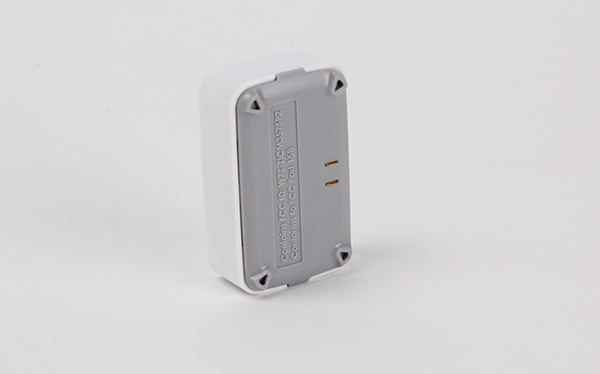
- Remove the plastic pull-tab from the back of device
- Wait for VENUS scan & detect this device and inform in app
- Reset and reconnect
- Press “Add button” (button ‘+’) in app
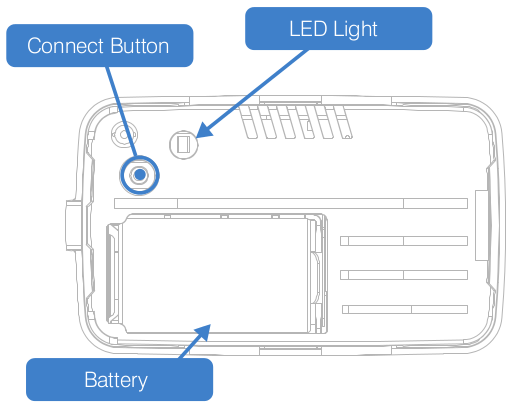
- Press and hold Connect button while inserting battery.
- Release the button when the LED is amber. The LED will blink blue while attemping to connect.
- Wait for VENUS scan & detect this device and inform in app
Configuration description
There is no configuration for this device.