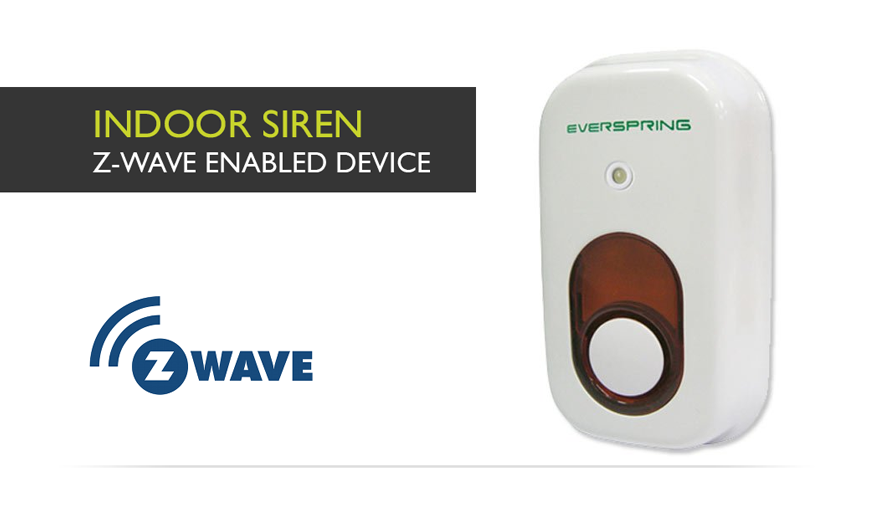
Everspring Z-Wave Indoor Siren
How to add to VENUS app
To add device to VENUS, below actions are required:
- Press “Add button” (button ‘+’) in app
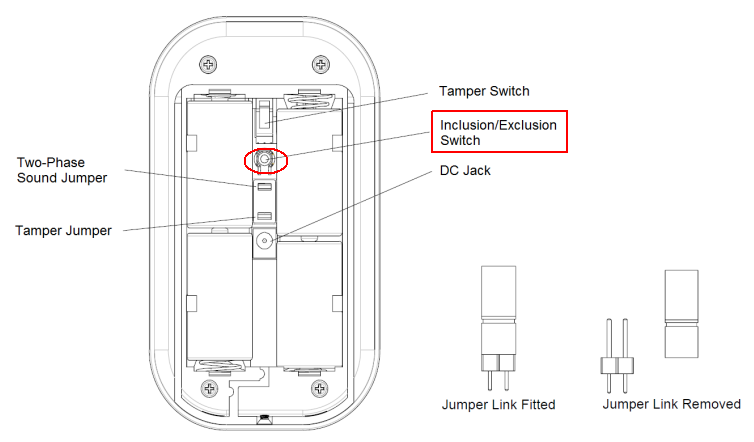
- Reset device: Press inclusion/exclusion switch quickly 3 times. The green LED is on and the siren beeps when the switch is pressed.
- Wait for VENUS scan & detect this device and inform in app
How to add/remove associated device(s) to
This device supports 1 association group with 5 nodes.
To add associated device(s) to this device, below action is required:
- Add z-wave notified-devices (which will be associated to this sensor) to VENUS
- Select Associate button and then select notified-device(s) to add
- Wake-up this sensor: Press inclusion/exclusion switch quickly 3 times.
- If successful, pop-up notification displays in VENUS app
To remove associated device(s) from this sensor, below action is required:
- Select Associate button and then select notified-device(s) to remove
- Wake-up this sensor: Press inclusion/exclusion switch quickly 3 times.
- If successful, pop-up notification displays in VENUS app
Configuration description
- Trigger to associated devices
- POWER APPLIED report: When power is applied, it will send ALARM_REPORT command to associated nodes to inform the devices that the Siren is powered up.
- Tamper Trigger Report: When tamper switch is triggered, Siren will send ALARM_REPORT command to associated nodes to inform the devices that the Siren has been triggered.
- Battery & Low Battery Report: When the battery level of the Siren drops to an unacceptable level, the Siren will flash red LED once every 30 seconds and send Broadcast command to the network.
- Trigger to controller
- BASIC_SET/SWITCH_BINARY_SET:
- Value 0xFF: the Siren generates a full alarm condition by flashing strobe light and sounding alarm for 3 minutes.
- Value 0x00: the Siren stops full alarm condition.
Factory reset
For Resetting click the inclusion/exclusion switch quickly 3 times to bring the device in the reset mode. Within 1 second, press the switch again for 5 seconds until LED is off. The device now has factory settings. The orange LED is off and the siren beeps for 5 seconds.