2016 newest frequency 908.42mhz Smart Home Automation Latest Technology Z-wave Gas /Smoke Sensor
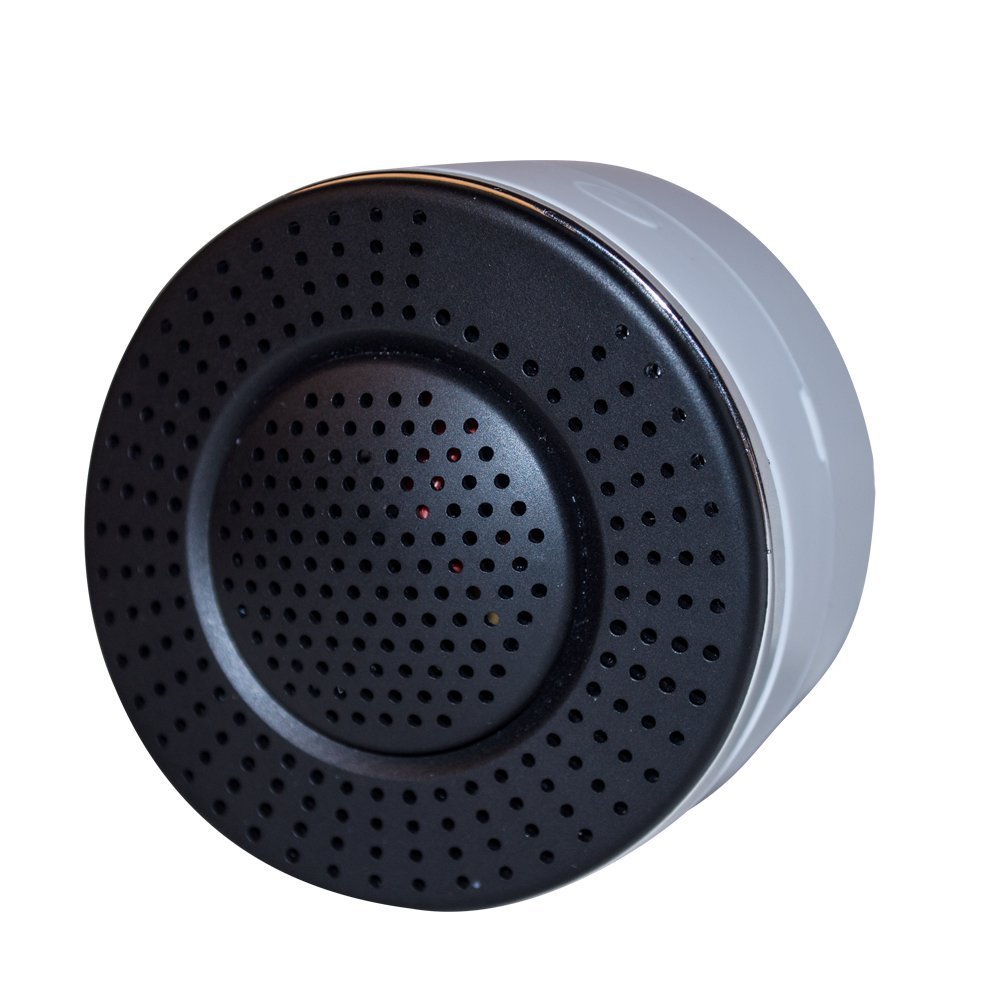
Brief information
- Z-Wave wireless accessible
- Semiconductor gas detector inside
- Self-test button,Wall-mount
- Malfunction diagnosis
- Carbon Monoxide gas detect
How to add to VENUS app
- Newly add to VENUS network
- Press “Add button” (button ‘+’) in app
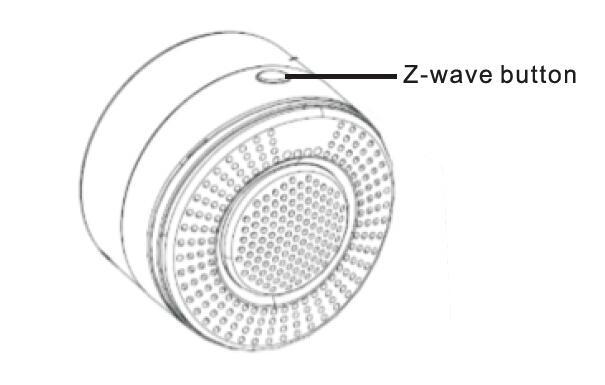
- Press the z-wave button
- Wait for VENUS scan & detect this device and inform in app
- Reset before adding
- Press “Add button” (button ‘+’) in app
- Press the z-wave button (to reset device)
- Press the z-wave button once more (to add)
- Wait for VENUS scan & detect this device and inform in app
How to add/remove associated device(s) to
This device supports 5 association group with max 5 nodes each group.
- Add z-wave notified-devices (which will be associated to this sensor) to VENUS
- Select Associate button and then select notified-device(s) to add
- Press the z-wave button
- If successful, pop-up notification displays in VENUS app
To remove associated device(s) from this sensor, below action is required:
- Select Associate button and then select notified-device(s) to remove
- Press the z-wave button
- If successful, pop-up notification displays in VENUS app
Configuration description
There is no configuration in this device.