Aeon Labs Aeotec Z-Wave LED Light Bulb, Gen5
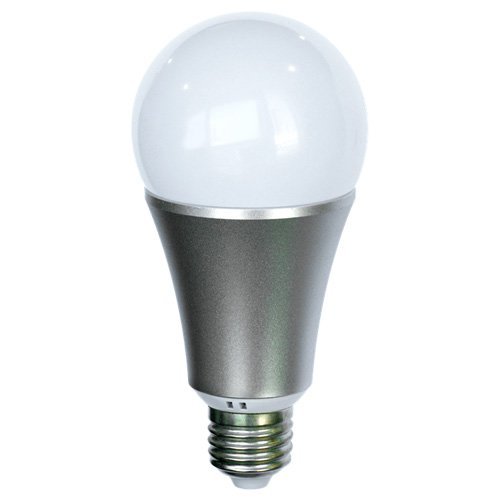
Brief information
- Thousands of colors available, warm and cold white, adjustable, replaces 60W incandescent bulb
- 5 color channels Red, Blue, Green, Warm White and Cool White
- LEDs offer low power consumption and low heat generation. Fits into a regular E27 socket
- Z-Wave Compatible, App available for iOS and Android
- Easily make it part of your home automation system and control it from anywhere in the world
- Compatible with Most Z-Wave Home Automation Hubs
How to add to VENUS app
- Newly add to VENUS network
- Press “Add button” (button ‘+’) in app
- Turn the power to the bulb OFF then ON.
- Wait for VENUS scan & detect this device and inform in app
- Reset device to add to new target VENUS network
- Press “Add button” (button ‘+’) in app
- Turn the power to the bulb OFF then ON within 2 seconds and repeat 3 times.
- Wait for VENUS scan & detect this device and inform in app
Configuration description
There is no configuration in this device.