Schlage Connect Camelot Touchscreen
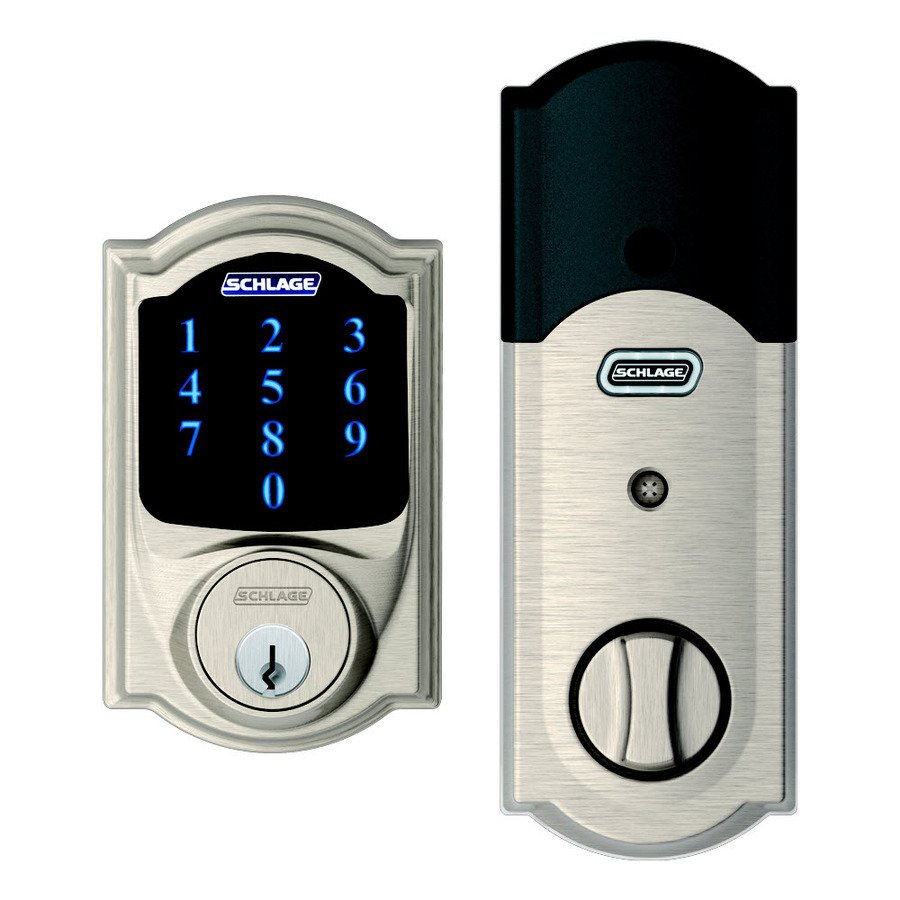
How to add to VENUS app
- Adding/Removing
- Press “Add button” (button ‘+’) in app
- Open the door (if it’s not already openned)
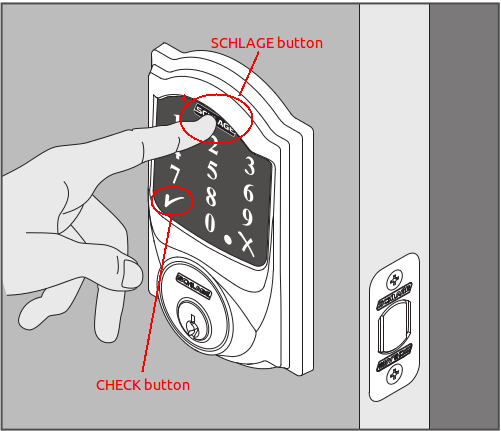
- Press to Schlage button
- Enter Default user code (this code is list in attached manual) then press “Check” button
- Re-enter default user code then press “Check” button
- Wait for VENUS scan & detect this device and inform in app
Configuration description
Enable beeper
- Enable/Disable beeper when pressing
- Available:
- Disable
- Enable
Default: Disable
Parameter 3, 1 byte size
Enable vacation mode
- Enable/Disable vacation mode. When this mode is enabled, pass-code can not be used to open the door. Key is required.
- Available:
- Disable
- Enable
Default: Disable
Parameter 4, 1 byte size
Enable lock & leave
- Enable/Disable lock & leave mode. This mode is enabled supports user 1 press to schlage button from outside to lock the door.
- Available:
- Disable
- Enable
Default: Disable
Parameter 5, 1 byte size
Auto lock
- Device is auto locked after a period of time when enabling this feature.
- Available:
- disable
- enable
Default: enable
Parameter 15, 1 byte size
User pin code length
- The length of user pin code is configured by this setting.
- Available: 4 - 8
- Default: 4
- Parameter 16, 1 byte size