Intermatic CA9000 InTouch Wireless Indoor PIR Occurpancy Sensor
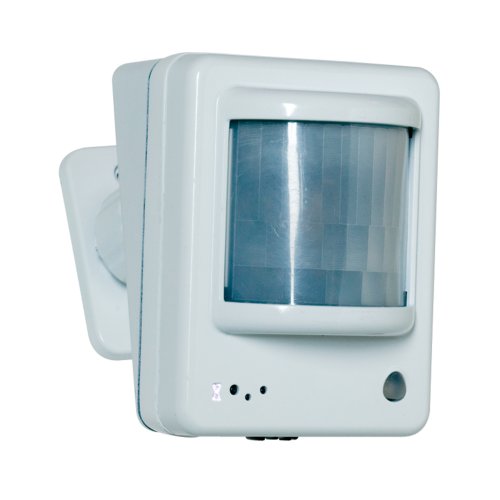
Brief information
- Full 229 device scene control when used with Intermatic InTouch server (CA5500B)
- Wide detection pattern can be used for whole room coverage
- Meets ASHRAE Standard 90.1 requirements
How to add to VENUS app
- 1. Activation
- Press “Add button” (button ‘+’) in app
- Insert battery
- LED flashes red and white
- Press front button twice
- Wait for VENUS scan & detect this device and inform in app
- 2. Reset then re-add
- Press “Add button” (button ‘+’) in app
- Press front button twice (reset)
- The LED starts flashing red and white
- Press front button twice (re-add)
- Wait for VENUS scan & detect this device and inform in app
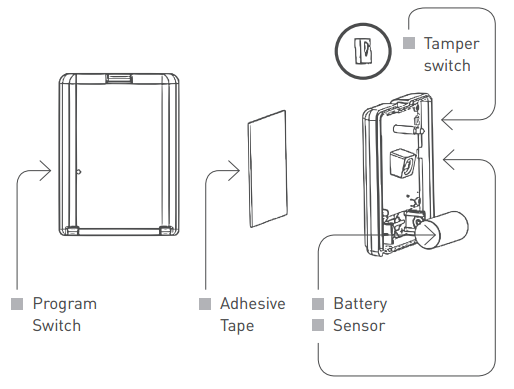
How to add/remove associated device(s) to
To add associated device(s) to this sensor, below action is required:
- Add z-wave notified-devices (which will be associated to this sensor) to VENUS
- Select Associate button and then select notified-device(s) to add
- Press and hold front button in few seconds
- If successful, pop-up notification displays in VENUS app
To remove associated device(s) from this sensor, below action is required:
- Select Associate button and then select notified-device(s) to remove
- Press and hold front button in few seconds
- If successful, pop-up notification displays in VENUS app
Configuration description
There is no configuration in this device.