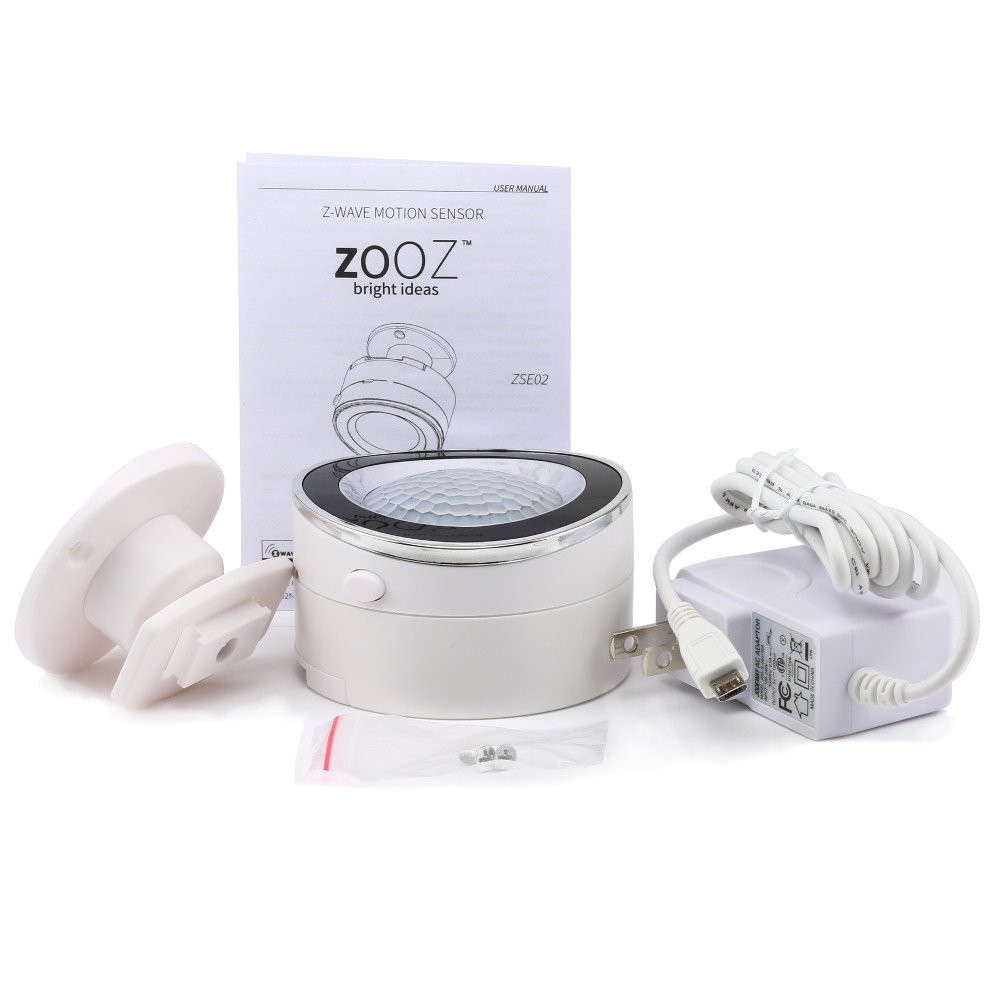
ZOOZ Z-Wave Plus Motion Sensor ZSE02
Brief information
- 20 feet motion detection and wireless notifications (when included to a Z-Wave gateway controller)
- Z-Wave Plus certified product: ZC10-16045043. Improved 500 chip for faster and safer wireless communication
- Two alternative power sources: 4 AAA batteries (not included) or mini USB cable (DC 5V / 1A)
- May be associated and grouped with other Z-Wave devices for advanced home automation
- Modern design will compliment any interior. NOTE! This product is NOT supported by Z-Wave alarm system such as ADT Pulse
How to add to VENUS app
- 1. Activation
- Press “Add button” (button ‘+’) in app
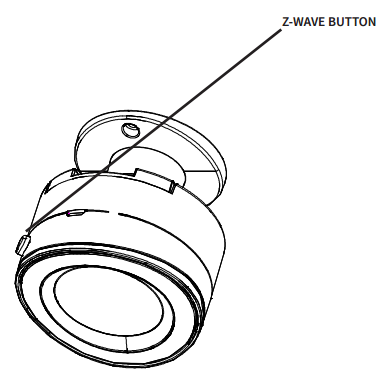
- Press and release the Z-Wave button on the siren TWICE quickly (to lock and unlock it)
- Wait for VENUS scan & detect this device and inform in app
- 2. Reset then re-add
- Press “Add button” (button ‘+’) in app
- Press and release the Z-Wave button on the siren TWICE quickly (reset)
- Press and release the Z-Wave button on the siren TWICE quickly again (re-add)
- Wait for VENUS scan & detect this device and inform in app
How to add/remove associated device(s) to
To add associated device(s) to this sensor, below action is required:
- Add z-wave notified-devices (which will be associated to this sensor) to VENUS
- Select Associate button and then select notified-device(s) to add
- Press and release the Z-Wave button on the siren TWICE quickly
- If successful, pop-up notification displays in VENUS app
To remove associated device(s) from this sensor, below action is required:
- Select Associate button and then select notified-device(s) to remove
- Press and release the Z-Wave button on the siren TWICE quickly
- If successful, pop-up notification displays in VENUS app
Configuration description
There is no configuration for this device.