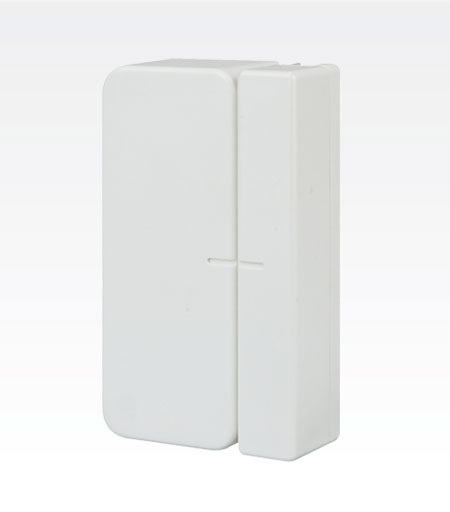
Enerwave ZWN-BDS Z-Wave Wireless Magnetic Door and Window Sensor
How to add to VENUS app
To add device to VENUS, below actions are required:
Press “Add button” (button ‘+’) in app
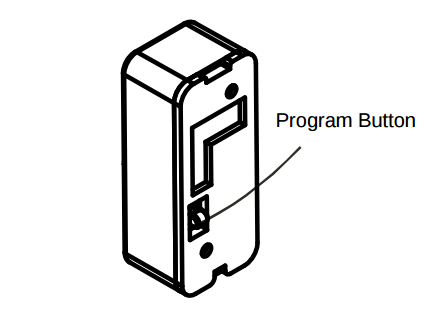
- Reset device: Press and release the Program button located at the back.
Status LED will stay solid for 10 seconds and turn off when succeeds.
Wait for VENUS scan & detect this device and inform in app
Reset device again to complete adding device to VENUS
How to add/remove associated device(s) to
To add associated device(s) to this sensor, below action is required:
- Add z-wave notified-devices (which will be associated to this sensor) to VENUS
- Select Associate button and then select notified-device(s) to add
- Wake-up this sensor: Press and hold Program button in 2 seconds, release when status led is turned off.
- If successful, pop-up notification displays in VENUS app
To remove associated device(s) from this sensor, below action is required:
- Select Associate button and then select notified-device(s) to remove
- Wake-up this sensor: Press and hold Program button in 2 seconds, release when status led is turned off.
- If successful, pop-up notification displays in VENUS app
Configuration description
There is no configuration for this device.