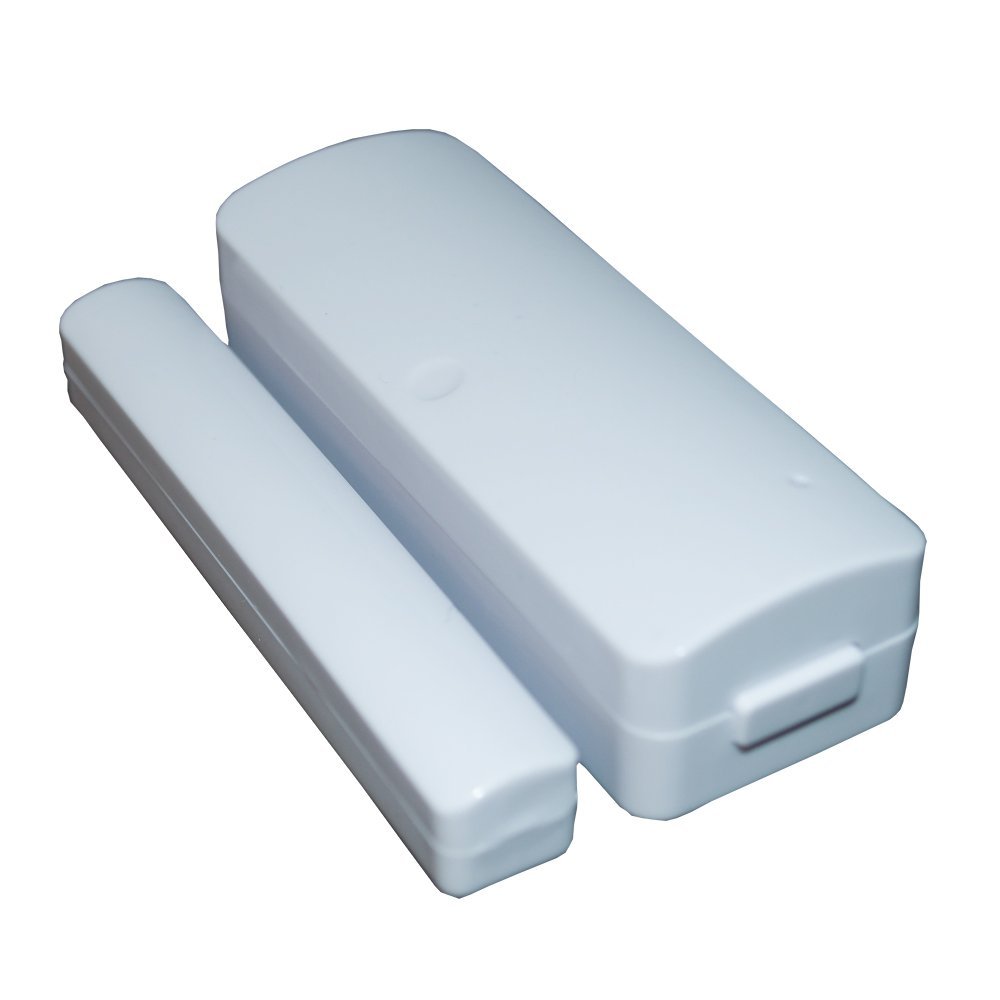
Xenon US frequency Smart Home Z-Wave automation Door/window sensor 908.42 mhz
Brief information
The door sensor (SM-a702a) is using Z-wave technology which is a new wireless communication technology base on radio frequency. The socket is the expanding socket of the flood sensor the external power input is prohibited. SM-a702a is new design product which is short distance, low cost, low power consumption, high reliability. The user can use mobile intelligent terminal equipment to remove detect the status of the object if it has been opened or removed. The products are widely used in the smart hotel,intelligent residential hall, intelligent district, wisdom system and so on. The user can flexibly according to their own preferences.
How to add to VENUS app
- 1. Activation
- Press “Add button” (button ‘+’) in app
- Remove thin pull tab plastic
- Wait for VENUS scan & detect this device and inform in app
- 2. Reset then re-add
- Press “Add button” (button ‘+’) in app
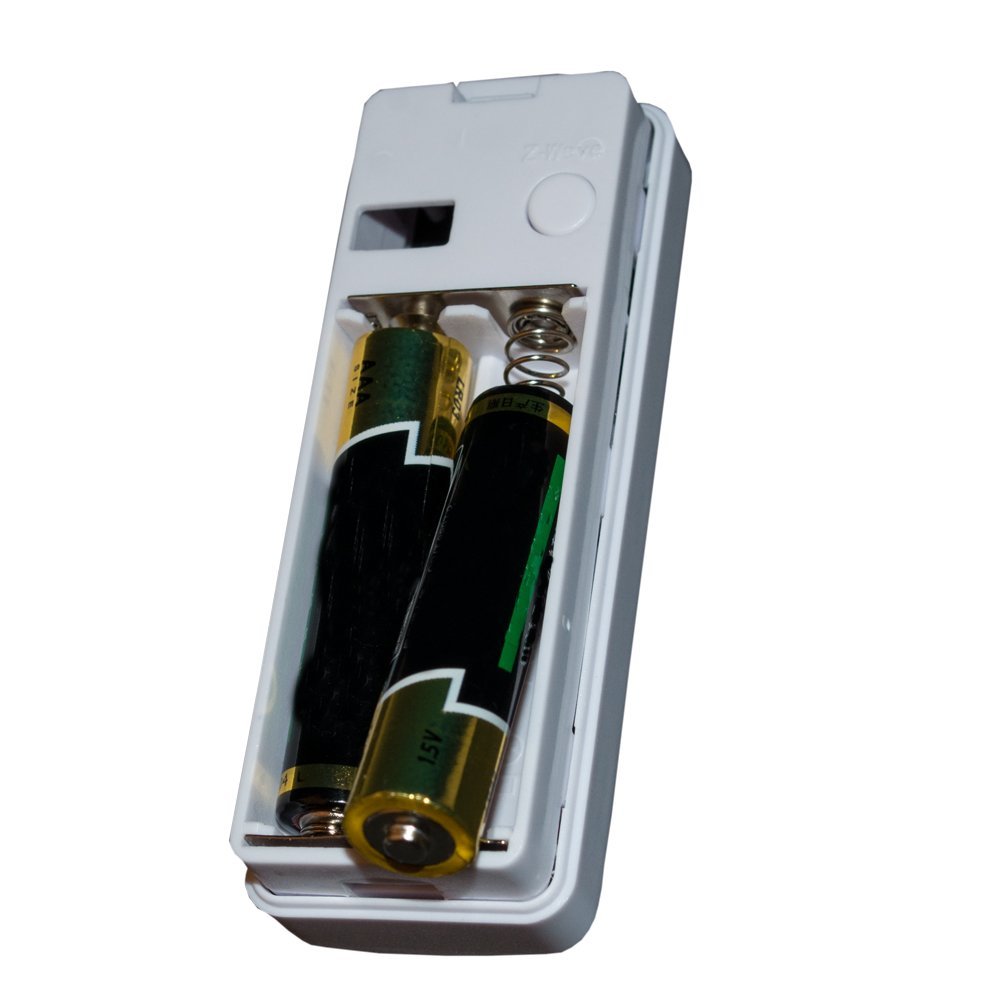
- Press the Z-Wave 3 times.
- Wait for VENUS scan & detect this device and inform in app
How to add/remove associated device(s) to
This sensor support max 5 associated devices.
To add associated device(s) to this sensor, below action is required:
- Add z-wave notified-devices (which will be associated to this sensor) to VENUS
- Select Associate button and then select notified-device(s) to add
- Press the Action Button once.
- If successful, pop-up notification displays in VENUS app
To remove associated device(s) from this sensor, below action is required:
- Select Associate button and then select notified-device(s) to remove
- Press the Action Button once.
- If successful, pop-up notification displays in VENUS app
Configuration description
T.B.D
Factory reset
T.B.D