Aeon Labs DSC26103-ZWUS - Z-Wave In-Wall Micro Controller
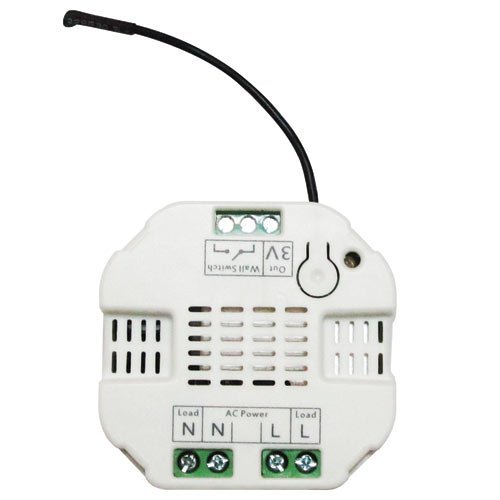
Brief information
- On/Off control via Z-Wave, manual wall switch and/or built-in button
- Optimized antenna range
- Fits in most gang boxes worldwide
- Turns an existing wall switch into a Z-Wave switch
- NOTE: Please read the product description to know specific instructions
How to add to VENUS app
- 1. Activation
- Press “Add button” (button ‘+’) in app
- Plugin device to power socket
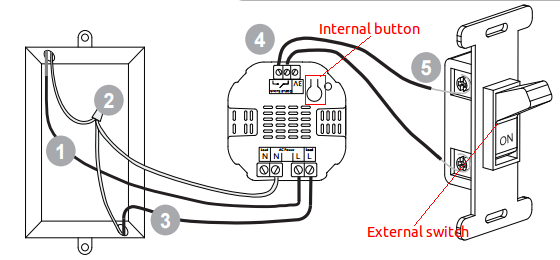
- Turn ON external switch or Press internal button
- Wait for VENUS scan & detect this device and inform in app
- 2. Reset then re-add
- Press “Add button” (button ‘+’) in app
- Turn ON external switch 10 times in quick succession or Press internal button
- Wait for VENUS scan & detect this device and inform in app
Configuration description
There is no configuration in this device.