Enerwave ZWN-RSM1S Z-Wave Smart Single Relay Switch Module
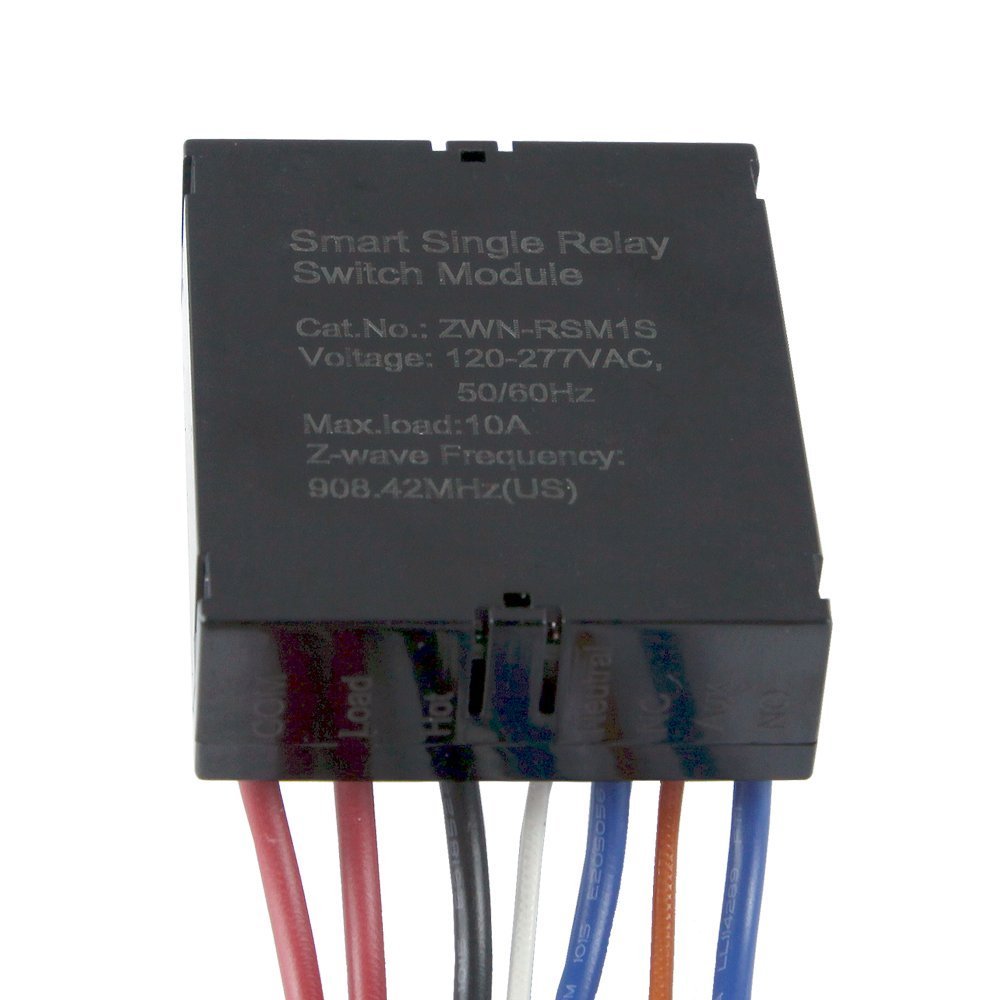
Brief information
- Upgrates existing wall switch into a Z-Wave switch so you can still keep the original switch and wall plate
- Wirelessly Switch your Devices (such as Lights, Fans) ON / OFF from Smart Phone Applications, Any Web Browser from Any PC or Mac, or Internet Connected Tablet
- The ON / OFF Control of the Connected Load can be Programmed into Z-Wave Scenes, with Dynamic Scheduling and Events from Anywhere
- The ZWN-RSM1S Acts as a Z-Wave Repeater to Extend the Range of your Z-Wave Signal up to 100ft; The Switch will Still Work if the Module Fails
- *NEUTRAL WIRING REQUIRED* Single Pole, 120-277 VAC, 50/60Hz, Up to 100ft Range, 10,000mA (10A) Maximum Load, 908.42MHz, Slim Design - Dimensions: 2.02” x 1.71” x 0.82
How to add to VENUS app
- 1. Activation
- Press “Add button” (button ‘+’) in app
- Supply power to device
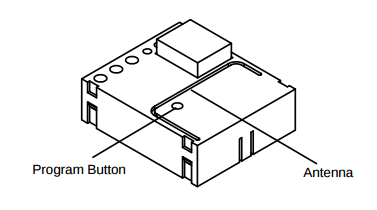
- Press and release program button once
- Wait for VENUS scan & detect this device and inform in app
- 2. Reset then re-add
- Press “Add button” (button ‘+’) in app
- Press and release program button once (to reset)
- Press and release program button once more (to add)
- Wait for VENUS scan & detect this device and inform in app
Configuration description
There is no configuration in this device.
Factory reset
- Press and hold the BIGGEST(7) button of scene controller for 3 seconds, the TOP 2 LEDs will be lit up
- Press and release the TOP-RIGHT(2) button, LED will drop down to the MIDDLE-RIGHT(4)
- Press and release the MIDDLE-RIGHT(4) button, LED will drop down to the BUTTOM-RIGHT(6)
- After you press the BUTTOM-RIGHT(6) button, it will run into factory default.
- Once the controller is reset successfully, all LEDs will flash 3 times and stay on