Evolve Guest Controls LSM-15 - Wall Switch
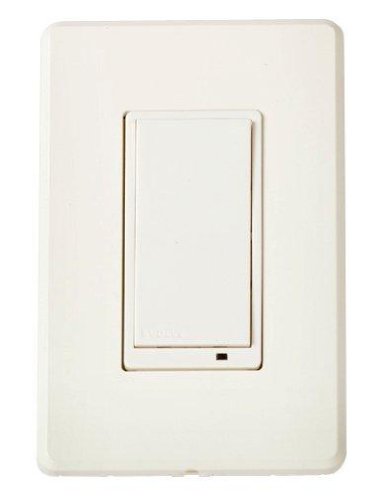
Brief information
- LSM-15, Z-Wave Certification: ZC08-11020016
- Signal (frequency), 908.42 MHz
- Z-Wave Version, 4.52
- Network Inclusion
- Scene, Command Class
- Security Compatible
How to add to VENUS app
- 1. Activation
- Press “Add button” (button ‘+’) in app
- Press the Push ON/OFF button twice
- Wait for VENUS scan & detect this device and inform in app
- 2. Reset then re-add
- Press “Add button” (button ‘+’) in app
- Press the Push ON/OFF button twice (to reset)
- Press the Push ON/OFF button twice one more time (to add)
- Wait for VENUS scan & detect this device and inform in app

Configuration description
LED indicator
Available 0: Turn ON the load attached, LED is ON, turn OFF the load attached, LED is OFF 1: Turn ON the load attached, LED is OFF, turn OFF the load attached, LED is ON Default 1 Invert switch
Available 0: Top Push switch is ON switch, and bottom Push switch is OFF switch 1: Top Push switch is OFF switch, and bottom Push switch is ON switch Default 1