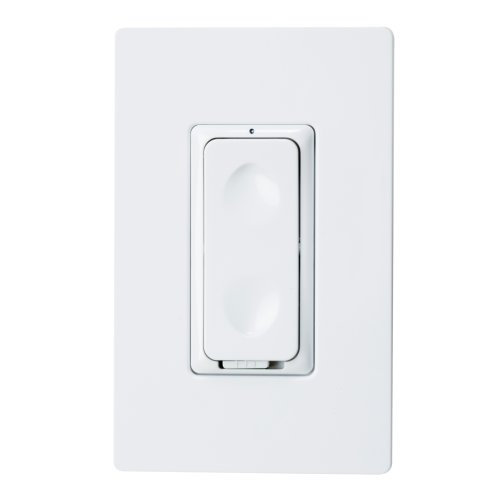
Intermatic CA600 InTouch Wireless 600-Watt Wall Dimmable Switch, White, Ivory or Light Almond
Brief information
- Multiple location dimming when used with wireless accessory controls
- Multiple location on/off control using conventional three-way or foru-way wiring and devices
- Lights fade up or down when turned on or off
- Automatically returns to last level in the event of power fluctuations
- Includes three interchangeable faceplates (white, ivory and light almond). These do not work with LED bulbs. Only for incandescent lights
How to add to VENUS app
- 1. Activation
- Press “Add button” (button ‘+’) in app
- Press the ON/OFF button
- Wait for VENUS scan & detect this device and inform in app
- 2. Reset then re-add
- Press “Add button” (button ‘+’) in app
- Press the ON/OFF button (to reset)
- Press the ON/OFF button one more time (to add)
- Wait for VENUS scan & detect this device and inform in app
Configuration description
There is no configuration in this device.