Monoprice Z-Wave Light Dimmer
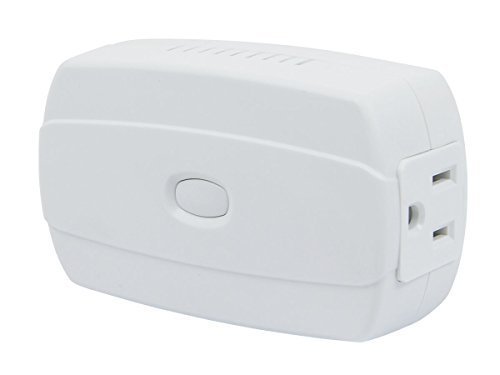
Brief information
Z-Wave is an interoperable, two-way RF mesh networking technology used for home automation and security. AC-powered Z-Wave devices, such as this dimmer, act as signal repeaters for the Z-Wave network, so multiple devices result in more possible transmission routes, which helps eliminate RF “dead spots” in the network. Any Z-Wave enabled device displaying the Z-Wave logo can be used with Z-Wave devices from other manufacturers.
How to add to VENUS app
- 1. Activation
- Press “Add button” (button ‘+’) in app
- Plugin device to power socket
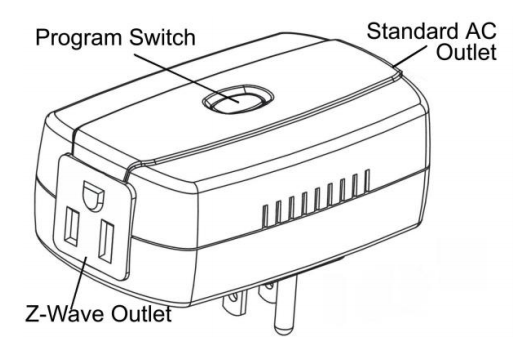
- Press and hold the Program Switch on the dimmer for about 1 second
- Wait for VENUS scan & detect this device and inform in app
- 2. Reset then re-add
- Press “Add button” (button ‘+’) in app
- Press and hold the Program Switch on the dimmer for about 1 second (to reset)
- Press and hold the Program Switch on the dimmer for about 1 second once more (to add)
- Wait for VENUS scan & detect this device and inform in app
Configuration description
There is no configuration in this device.
Factory reset
To reset the module to factory settings:
- Turn off switch
- Press and hold program switch. While holding, turn on switch
- LED begins flashing, it means device turns to factory setting