Monoprice Z-Wave In-Wall On/Off Module
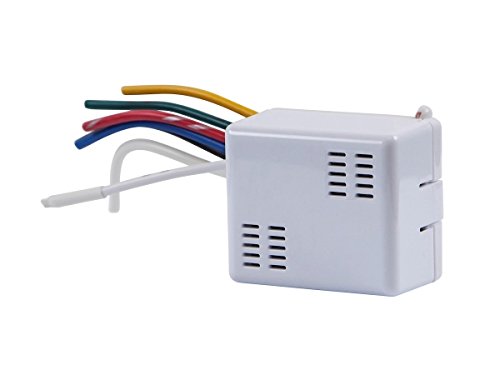
Brief information
- Package Quantity: 1
- Excellent Quality.
- Great Gift Idea.
- Satisfaction Ensured.
- Produced with the highest grade materials
How to add to VENUS app
- 1. Activation
- Press “Add button” (button ‘+’) in app
- Plugin device to power socket
- Turn ON then OFF device 4 times or press Program switch 4 times
- Wait for VENUS scan & detect this device and inform in app
- 2. Reset then re-add
- Press “Add button” (button ‘+’) in app
- Turn ON then OFF device 4 times or press Program switch 4 times (to reset)
- Turn ON then OFF device 4 times or press Program switch 4 times once (to add)
- Wait for VENUS scan & detect this device and inform in app
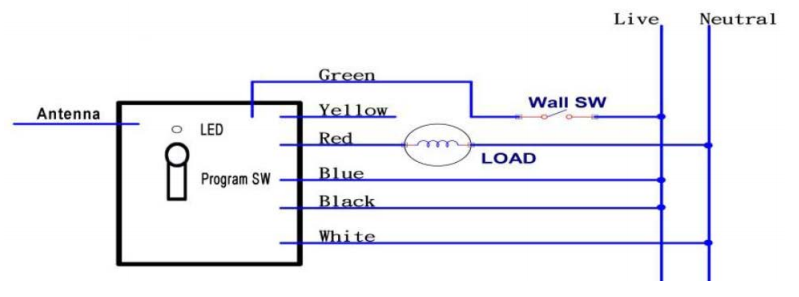
Configuration description
There is no configuration in this device.
Factory reset
To reset the module to factory settings:
- Turn off switch
- Press and hold program switch. While holding, turn on switch
- LED begins flashing, it means device turns to factory setting