Remotec Zwave Dry Contact Fixture Module
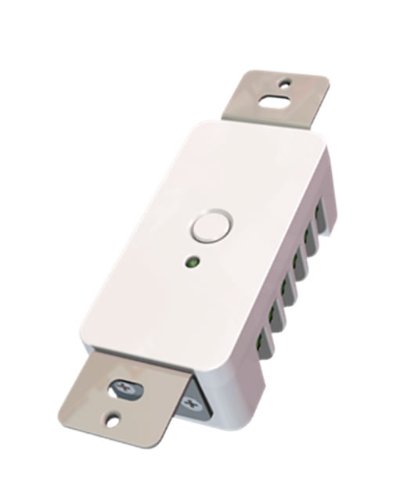
Brief information
Remotec Z-Wave ZFM-80 15 Amp dry contact module - great for garage doors or other one touch uses.
How to add to VENUS app
- 1. Activation
- Press “Add button” (button ‘+’) in app
- Plugin device to power socket
- Press program button in front of device
- Wait for VENUS scan & detect this device and inform in app
- 2. Reset then re-add
- Press “Add button” (button ‘+’) in app
- Press program button in front of device (to reset)
- Press program button in front of device once more (to add)
- Wait for VENUS scan & detect this device and inform in app
How to add/remove associated device(s) to
This devive can support single association group with up to 5 target nodes.
To add associated device(s) to this sensor, below action is required:
- Add z-wave notified-devices (which will be associated to this sensor) to VENUS
- Select Associate button and then select notified-device(s) to add
- If successful, pop-up notification displays in VENUS app
To remove associated device(s) from this sensor, below action is required:
- Select Associate button and then select notified-device(s) to remove
- If successful, pop-up notification displays in VENUS app
Configuration description
External switch configuration
Available 0: Disable external switch 1: Tact switch (normal open) 2: Tact switch (normal close) 3: Rocker switch (short is ON, open is OFF) 4: Rocker switch (short is OFF, open is ON) Default 3