Remotec ZDS-110NA - Z-Wave Plug-in Dimmer
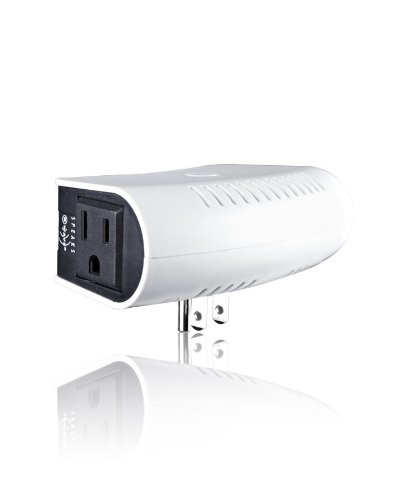
Brief information
- Compact design
- Extends range of Z-Wave mesh network
- Compatible with any Z-Wave network
How to add to VENUS app
- 1. Activation
- Press “Add button” (button ‘+’) in app
- Plugin device to power socket
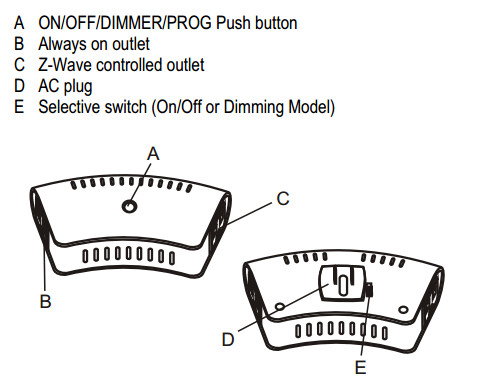
- Press program button in front of device
- Wait for VENUS scan & detect this device and inform in app
- 2. Reset then re-add
- Press “Add button” (button ‘+’) in app
- Press program button in front of device (to reset)
- Press program button in front of device once more (to add)
- Wait for VENUS scan & detect this device and inform in app
Configuration description
External switch configuration
Available 0: Disable external switch
1: Tact switch (normal open)
2: Tact switch (normal close)
3: Rocker switch (short is ON, open is OFF)
4: Rocker switch (short is OFF, open is ON)
Default 3